
Many of our students play Roblox. Most of the time, it’s harmless fun: building, creating and playing with friends. But recent news has shown how strangers can use the game to reach children. In Malaysia, a former senior police officer said children as young as 12 had been recruited through Roblox to carry out acts of terrorism. In Singapore, a 14-year-old detained in July had started down a similar path on Roblox at age 12.
We covered the news and the warning signs in detail on our main blog: Roblox and Your Child: Warning Signs Every Parent Should Know. This post is the practical part: a simple checklist you can work through with your child this week.
1. Set up the account together
- Link your parent account to your child’s Roblox account, so you can see and change their settings.
- Check that your child’s age is set correctly. Since June 2026, children aged 9 to 15 are placed in “Roblox Select” accounts, and chat stays off unless their age has been checked.
- Decide together whether chat is needed at all. If it is, limit it to “Trusted Friends” your child knows in real life.
- Set screen-time and spending limits that suit your family.
2. Agree on three family rules
- We never move a chat to another app with someone we met in a game.
- We never share personal details: real name, school, address or photos.
- We never keep online secrets from our parents.
3. Have the conversation, calmly
Children talk more when they don’t feel they’re in trouble. Try questions like:
- “Who do you like playing with the most?”
- “Has anyone online ever made you feel uncomfortable?”
- “What would you do if someone asked you to keep a secret?”
And say this clearly: “You will never get in trouble for telling me.” Many children stay silent because they’re afraid of losing the game.
4. Know the three warning signs
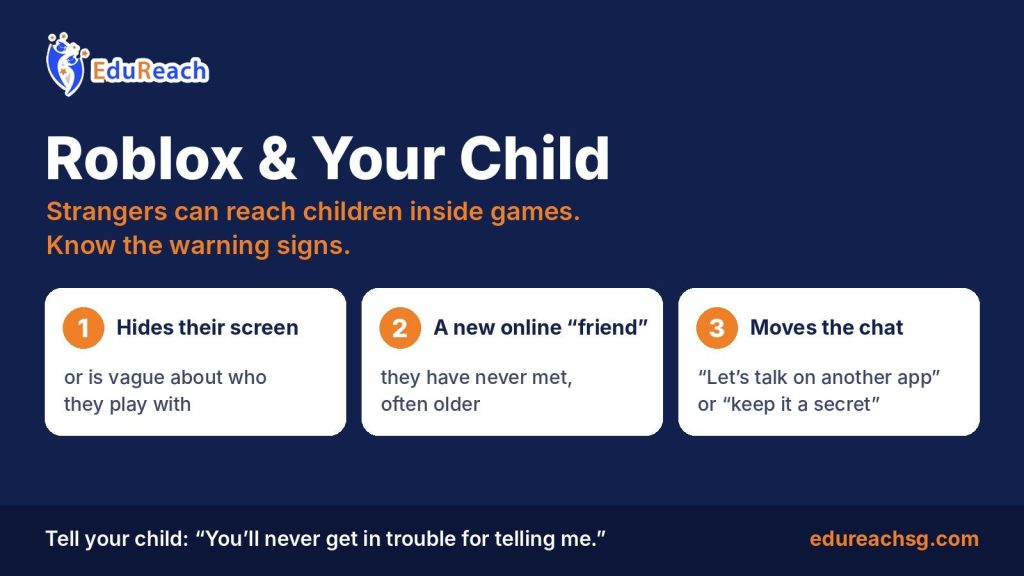
- Your child hides their screen or is vague about who they play with.
- A new online “friend” they have never met, often older.
- Someone asks them to “talk on another app” or to keep it a secret.
5. Check in regularly
Keep devices in shared spaces and out of the bedroom at night. Sit with your child and play together sometimes. A child who feels heard at home is much harder for a stranger to win over.
If you’re worried
If your child is in immediate danger, call 999. If you’re concerned a child is being drawn into violent or extremist ideas, contact the ISD Counter-Terrorism Centre hotline at 1800 2626 473, SMS 70999, or use the SGSecure app. Grooming, or anyone asking a child for intimate photos, should be reported to the police.
EduReach: Empowering Every Student’s Journey. We promise honest guidance you can trust for your child’s future. If you’d like to talk, WhatsApp us at +65 8979 6136 or call 6817 6157.